Start by checking whether your earbuds connect by cable or Bluetooth, then identify the left and right sides and adjust the fit. Once they are connected to your phone, start playback at a low volume and check that sound comes through the earbuds. Clean and store them after use. With wireless models, also check that charging starts when you put them back in the case.
Wired earbuds connect to a device through a plug, while wireless earbuds need power and a Bluetooth connection. Fit also depends on the earpiece shape: models with replaceable ear tips need different adjustments from models with hard shells and no such tips.
Check the Connection Type and Earbud Shape
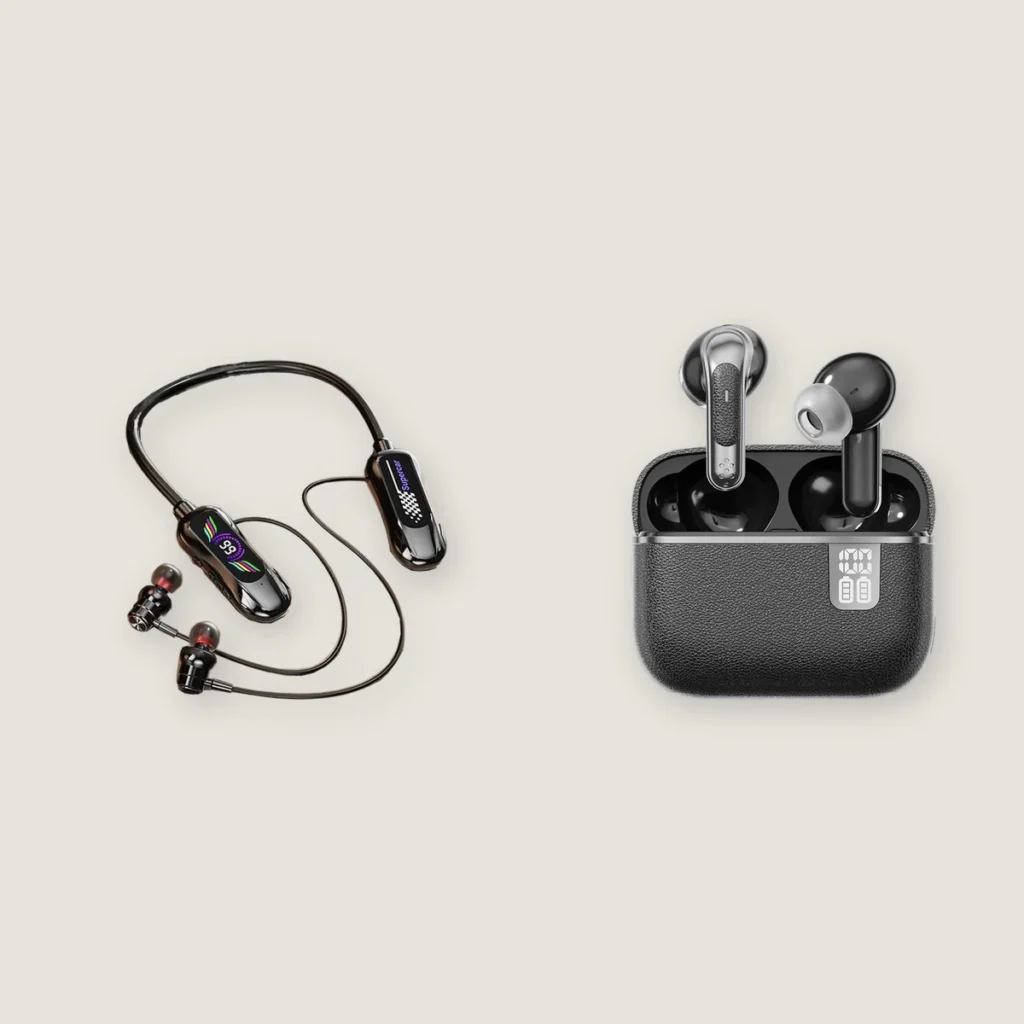
Look for two things first: a cable that connects to your phone, and ear tips on the sound outlet. Wired and wireless describe the connection. Tips and shells describe the part that sits in your ear. Check these separately.
For example, Yinshidon’s K5 is a wired model with soft ear tips, while the NE-105 product photo shows wireless earbuds without these tips. These two models help illustrate the visible differences. Wireless earbuds can also have ear tips, so the two combinations shown here do not represent every earbud design.
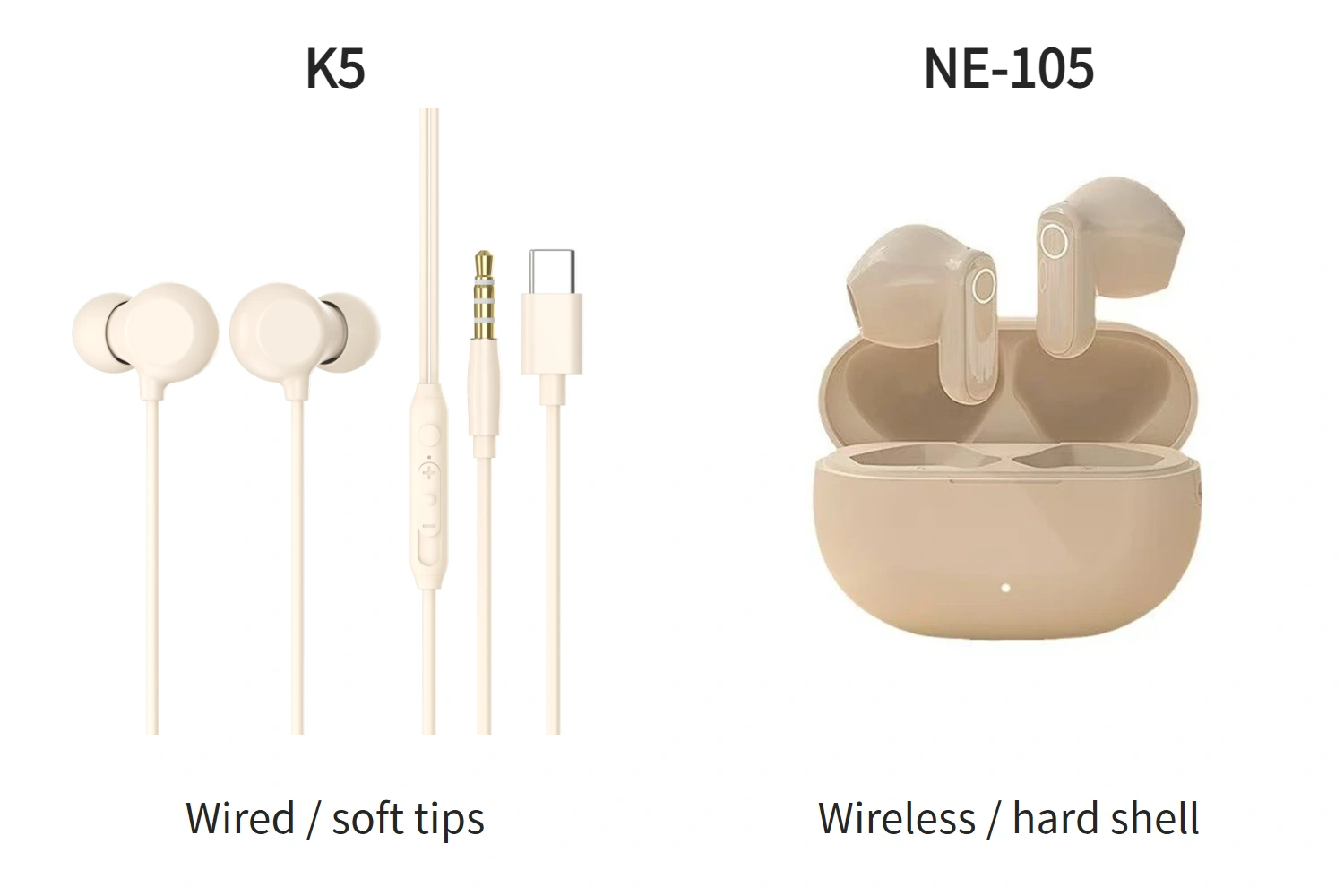
Once you have identified the design, keep its instructions nearby and locate the left and right markings, connection instructions, and control area. For wireless models, check that both the earbuds and the charging case have power. If the batteries are depleted, charge them as instructed for that model before connecting.
Match Left and Right, Then Adjust the Fit
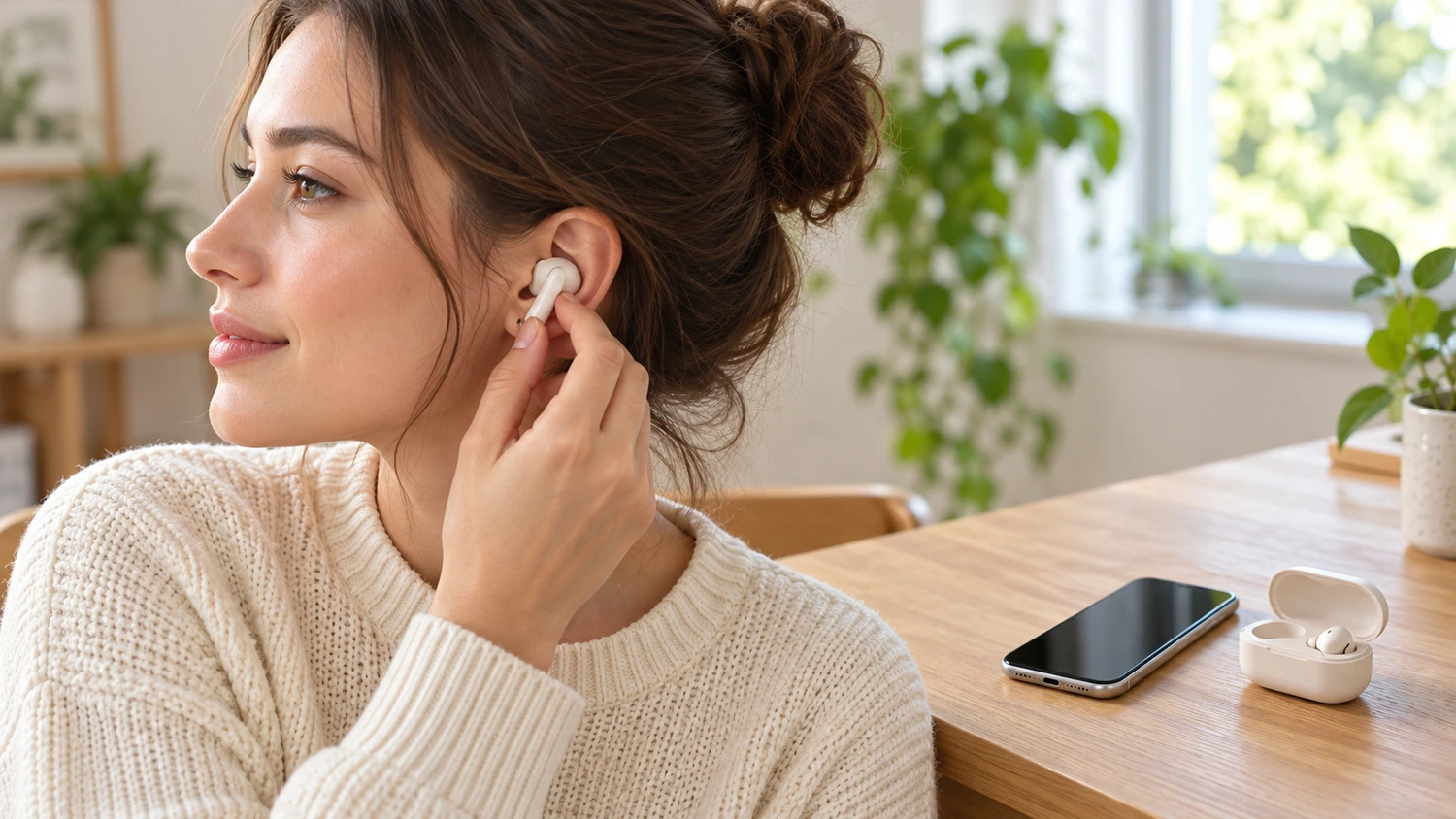
L means left, and R means right. Place each earbud in the correct ear, then adjust its orientation using the wearing diagram for that model. Let it settle naturally. If it presses against your ear or hurts, take it out and adjust it rather than pushing harder to hold it in place.
For models with replaceable ear tips, first check that the tips are attached correctly, then try the supplied sizes. If an earbud feels loose or uncomfortably tight, try another size and readjust it. Your left and right ears may need different sizes; there is no need to use matching tips just to keep them the same.
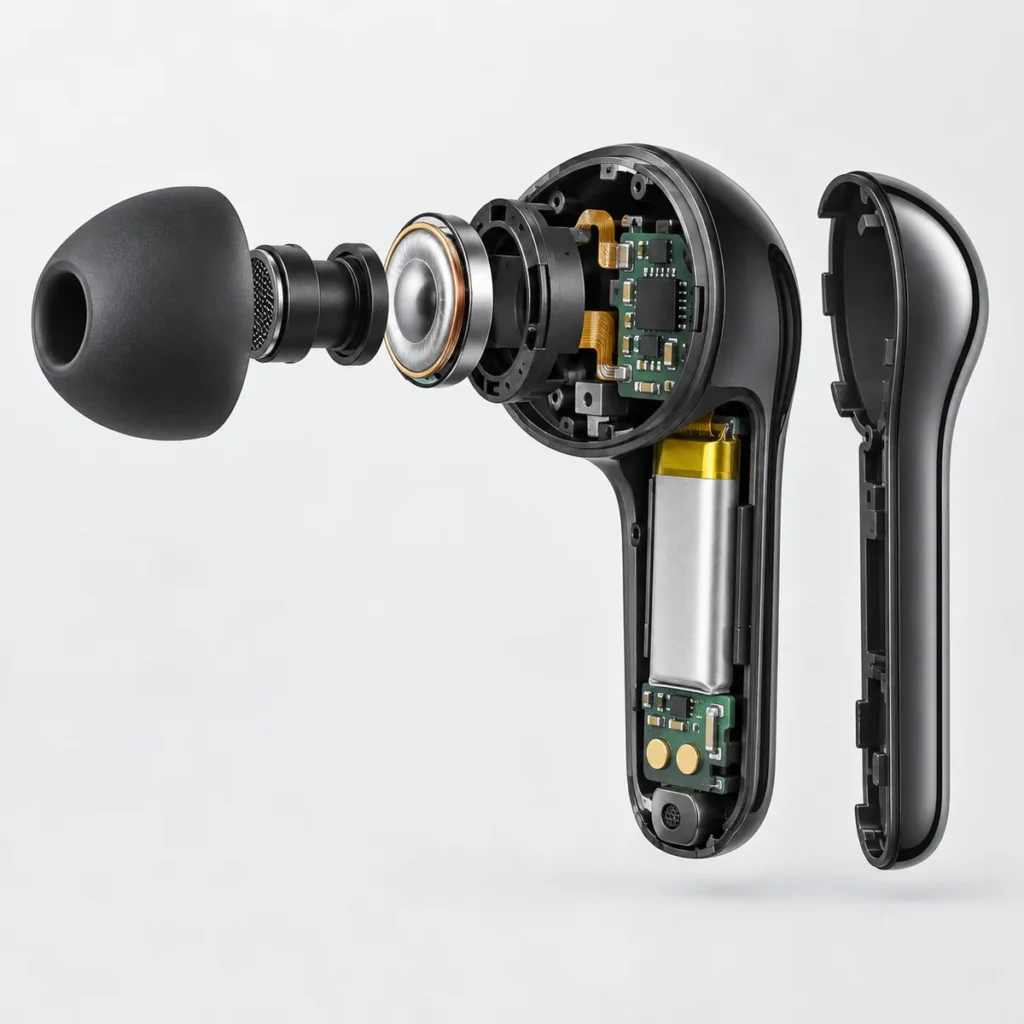
The right ear tips and correct positioning affect both fit and sound. Some models with tips need a slight rotation to adjust their position; follow the wearing diagram for the direction and final position. Models with hard shells have no replaceable ear tips, so adjust them according to their own shape and instructions rather than copying the insertion method for a tipped model. Stop wearing the earbuds if you experience ear pain or skin irritation.
Connect to Your Phone: Plug In or Pair
For wired earbuds, check the connector before plugging them in. Yinshidon’s G01 wired earphones, for example, have 3.5 mm and USB-C connector options on the product page. Check which version you have. Plug it into an audio port that supports the earbuds, then check your phone’s audio output. Wired models do not need Bluetooth pairing, but a plug fitting into a port does not establish audio compatibility. Check that your phone supports the audio connection used by the earbuds or adapter. The same USB-C shape does not mean every combination is compatible.
To connect wireless earbuds to a phone for the first time, pair them so the two devices save a connection record. Keep the phone near the earbuds, turn the volume down, enable Bluetooth, and follow these steps:
- Put the earbuds into pairing mode using the instructions for that model. Some enter pairing mode automatically when the case is opened or the earbuds are removed for the first time. Others need an action on the case button or earbud controls. Check the specified indication rather than borrowing another model’s button-hold time or light color.
- Find the correct device name in your phone’s Bluetooth list and select it. Follow the phone’s prompts, then wait for the list to show a connection or for the earbuds to give their connection indication.
- Play some audio on your phone and check that it comes through the earbuds. If it still plays through the phone speaker, check that the earbuds are selected as the audio output. On phones with a separate “Media audio” setting, also check that it is enabled.
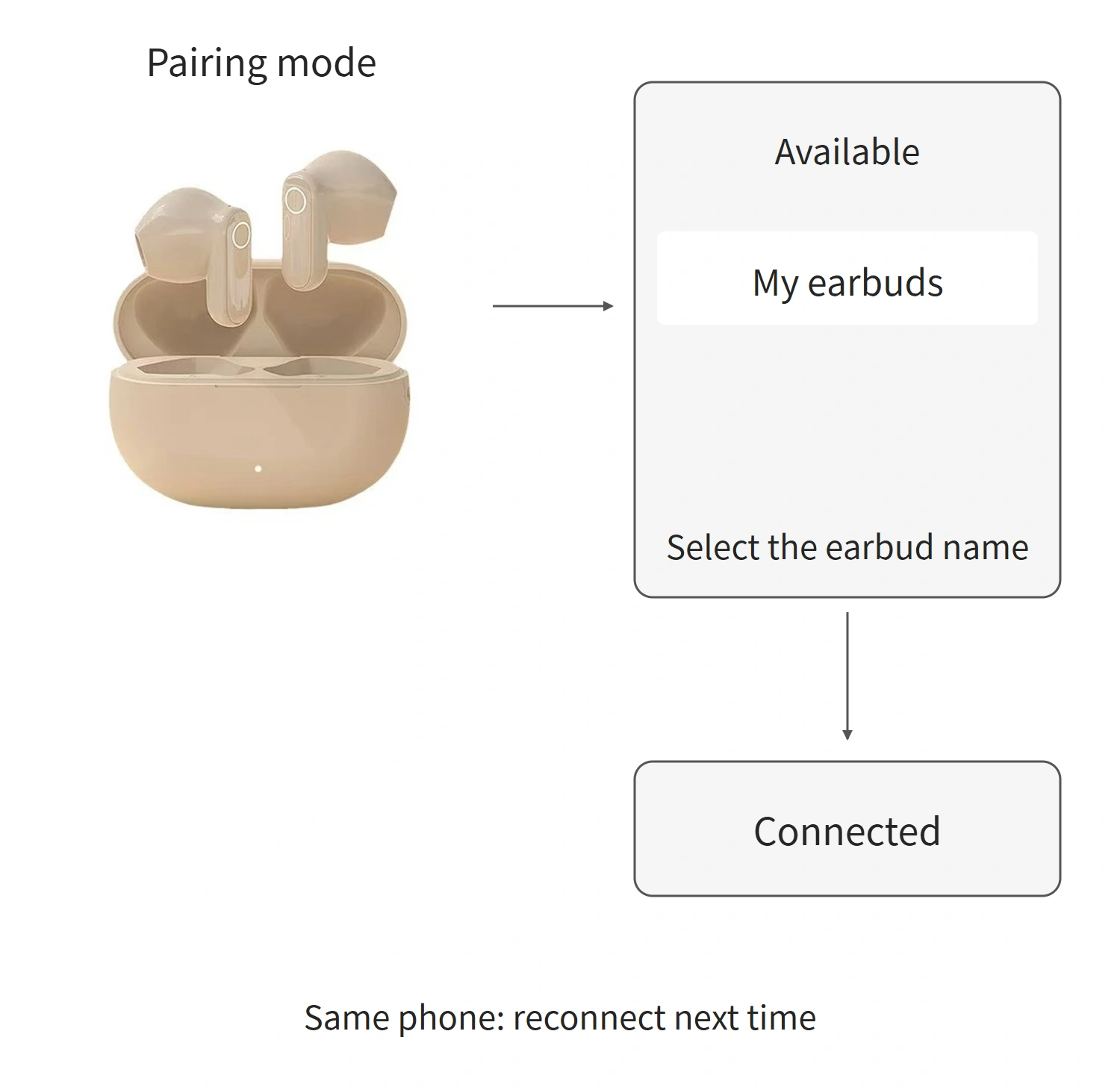
For later use with the same phone, you can usually enable Bluetooth, open the case or remove the earbuds as instructed, and wait for them to reconnect. If they do not reconnect automatically, first try selecting them from the phone’s paired-device list. You do not need to delete the record or perform a factory reset every time.
To switch to a phone that has not been paired, enter pairing mode again as instructed for the model. If the earbuds are still connected to the original phone, check which device is currently connected. You may need to disconnect that device before connecting the new one.
Start Playback on Your Phone, Then Learn the Earbud Controls
For the first use, turn the phone’s volume down before playback, then raise it gradually as needed. You can start by using the phone to play, pause, and adjust volume, then learn the earbuds’ buttons, touch controls, or pinch controls.
Focus on three functions in the model’s instructions: playing and pausing, answering and ending calls, and adjusting volume. The left and right earbuds may have different functions, and some actions can be changed in a companion app. A double tap or a press-and-hold is therefore not a universal instruction for all earbuds. Some models do not offer volume controls on the earbuds, so you need to adjust volume on the phone.
You can also answer a call on the phone first and check that the call screen has the earbuds selected as the audio device. This lets you take the call before learning each earbud control, rather than guessing which button to press while the phone is ringing.
Pay attention to both volume and listening time. The World Health Organization advises that hearing risk increases with louder sound and longer exposure. Use any volume limits or sound-exposure alerts available on your phone, and take breaks from wearing the earbuds. In noisy surroundings, avoid simply turning the volume up further to drown out the noise.
Clean the Earbuds, Then Store Them or Return Them to the Case
After taking the earbuds out, check their surfaces, sound-outlet mesh, and, on wireless models, the charging contacts. For routine surface cleaning, wipe gently with a soft, dry cloth. Clean mesh and contacts according to the model’s instructions, and do not poke sharp objects into openings. A cleaning method suitable for the ear tips is not automatically suitable for the entire earbud.
If there is sweat or moisture, clean the earbuds as instructed and let them dry fully before returning them to the charging case. Put the left and right earbuds into their corresponding positions, check that they are seated, and look for the model’s charging indication before closing the lid.
The charging case needs battery power, or a connection to a power supply suitable for that model, to charge the earbuds. If you do not see the expected charging indication after putting them back, first check the case’s battery level, the earbuds’ positions, and whether the contacts are dirty. Closing the lid alone does not prove that the earbuds are charging.
After using wired earbuds, disconnect them from the device, arrange the cable, and put them away. Next time, reconnect through the same compatible port. For wireless models, start by reconnecting to the paired device.