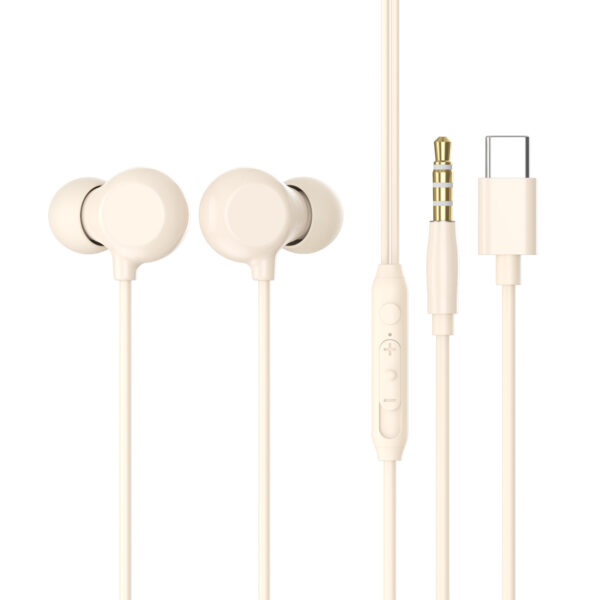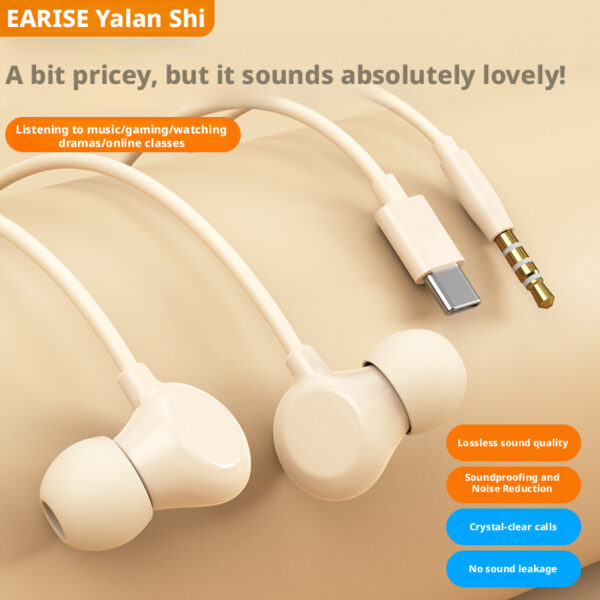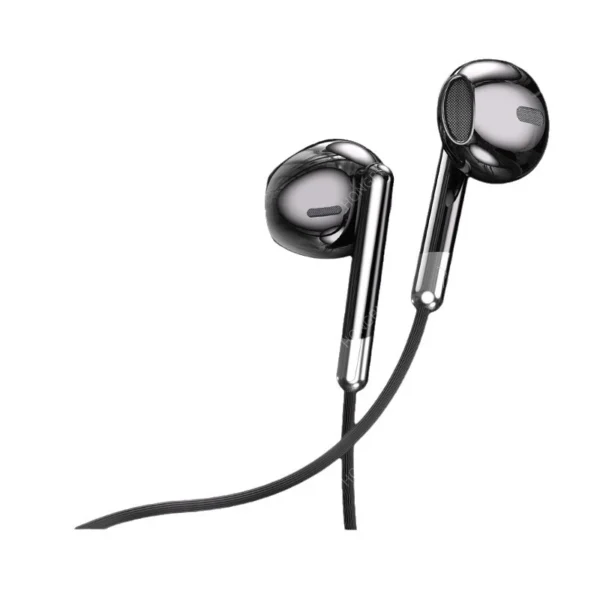
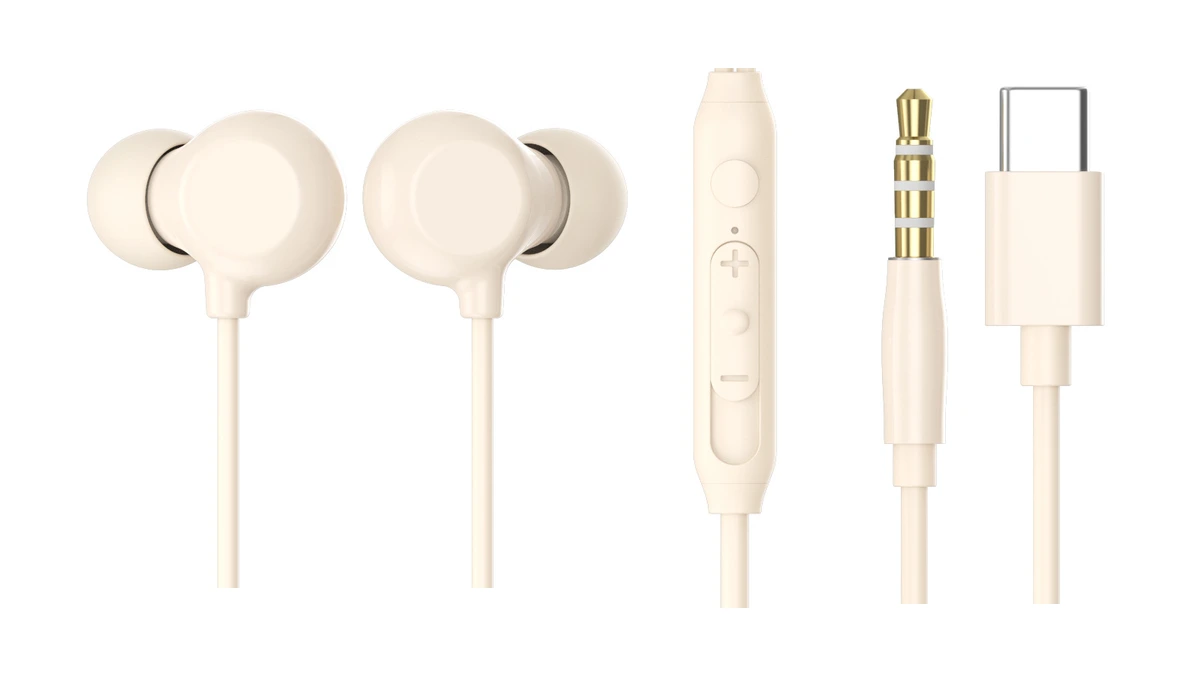
If you are developing or customizing In-Ear Wired Earphones, how should you choose between USB-C and 3.5 mm? Beyond the ports on the target phones and computers, consider which functions the earphones need to support. Being able to play music does not mean the microphone and volume buttons will also work.
We will first look at how the two connections carry audio to the earphones, then explain what calls and button controls require. This will help you choose a connector based on the target devices and required functions and determine whether an adapter is needed.
How Does Audio Transmission Differ Between 3.5 mm and USB-C Earphones?
When a phone plays digital music, it processes numerical values that represent changes in sound. Earphones, however, need an electrical signal to move the components that produce sound. The data must therefore be converted into an analog audio signal that varies with the sound. The circuit that performs this conversion is called a digital-to-analog converter, or DAC. An earphone amplifier then supplies the voltage and current needed to drive the sound-producing components.
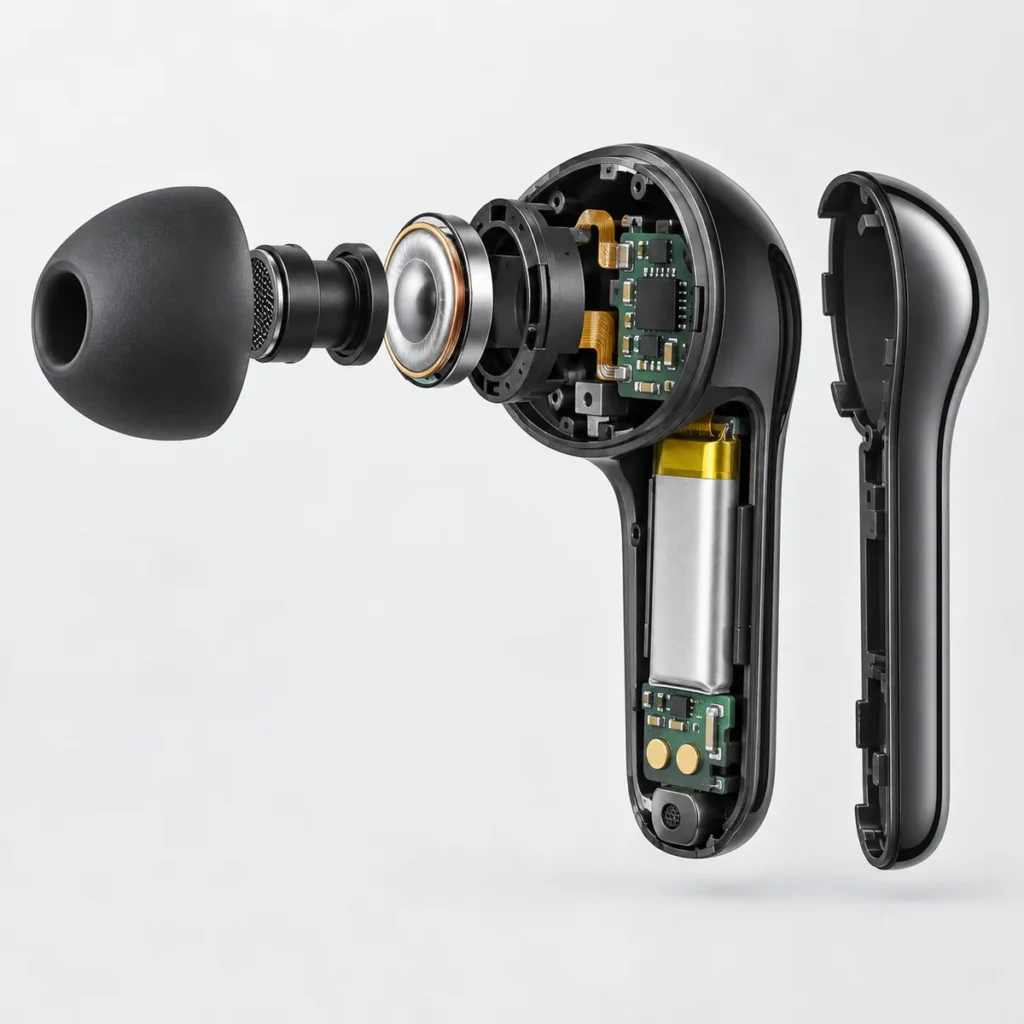
The component that produces sound is also called an earphone driver. In a dynamic driver, for example, a voice coil is attached to a thin membrane called a diaphragm. When audio current flows through the coil, the coil moves in a magnetic field and makes the diaphragm vibrate. The diaphragm moves air, creating the sound waves we hear. Other driver types have different structures; the dynamic driver here illustrates the final step from electrical drive to sound.
Ordinary analog 3.5 mm earphones leave conversion in the playback device. The phone or computer first converts the music data using its internal DAC. An earphone amplifier then provides the output through the audio jack. The cable of the connected 3.5 mm earphones carries analog audio signals, and the electrical drive makes the earphone drivers produce sound. What travels through the cable is changing voltage and current. Sound waves are produced only when the diaphragm moves air.
Digital USB-C earphones perform conversion on the earphone accessory side. The phone or computer first sends digital audio data over USB. A DAC in the earphone accessory converts that data into analog audio, and an earphone amplifier drives the drivers. A digital USB-C connection therefore eliminates analog audio transmission between the device and accessory; it does not eliminate digital-to-analog conversion or amplification. The USB cable also carries electrical signals, but those signals represent digital data. They are not the analog audio signals that directly drive the diaphragm.
An active USB-C-to-3.5 mm adapter performs conversion inside the adapter. “Active” means the adapter contains electronic circuitry, such as a converter. The device sends digital audio to the adapter, whose DAC and amplifier circuitry provide an analog 3.5 mm output. The ordinary 3.5 mm earphone cable connected after it still carries analog electrical signals. The adapter performs the conversion between the device and analog earphones; its role goes beyond changing the shape of the plug.
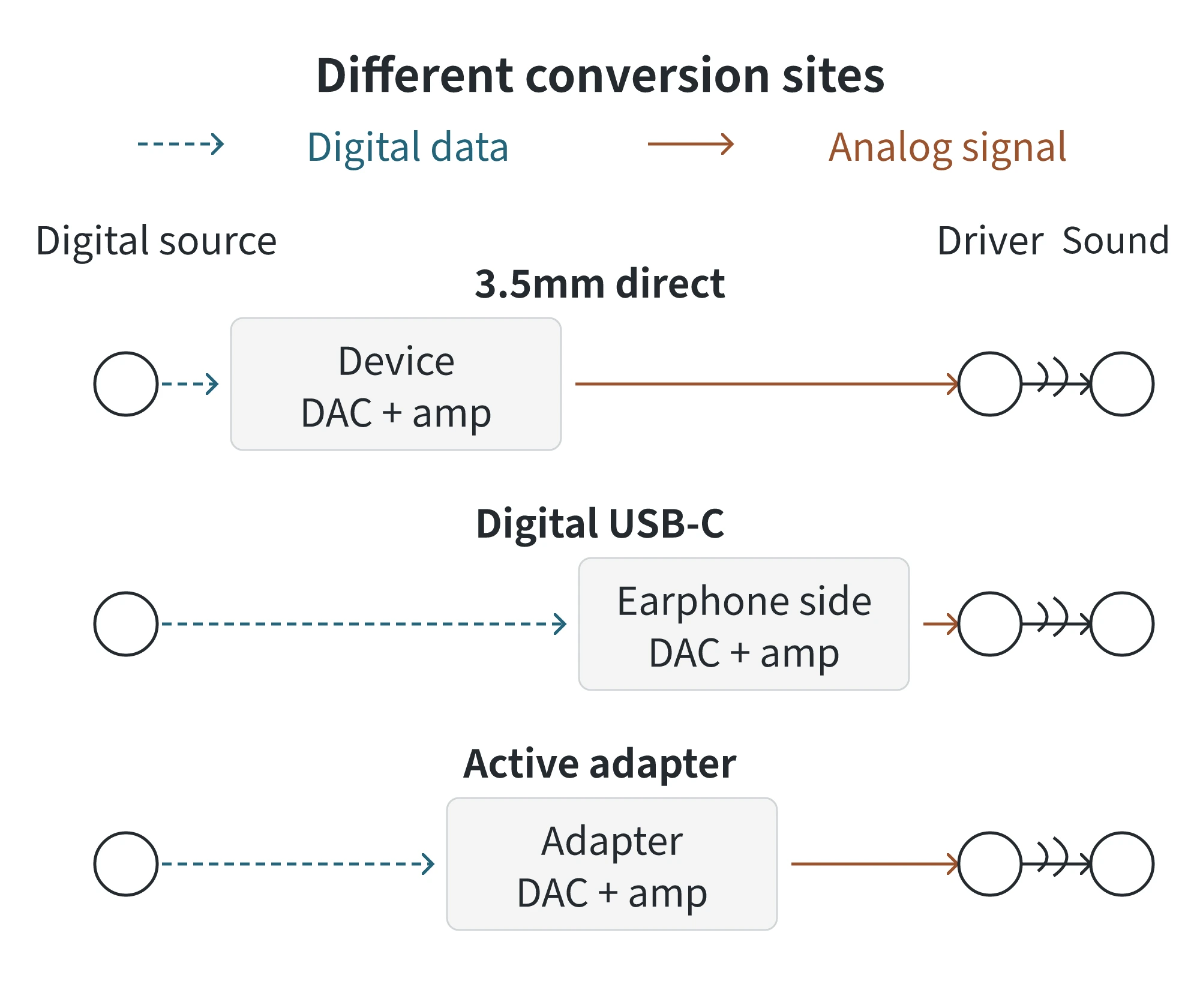
Both USB-C paths above are digital implementations. USB-C describes the connector format; some accessories instead carry analog audio and require the device to output analog audio through its USB-C port. Analog adapters that rely only on wiring, without conversion circuitry, also depend on the device providing this output. Microsoft’s support guidance states that most PCs support only digital audio adapters with digital-to-analog conversion hardware. A “USB-C-to-3.5 mm” label therefore still needs to be checked to determine which implementation the adapter uses.
Why Do Microphones and Buttons Need Separate Compatibility Checks?
When listening to music, audio travels from the phone or computer to the earphones. During a call, the earphone microphone must also send your voice back to the phone or computer. This requires a separate input function.
An analog microphone first converts speech into an analog electrical signal. With a direct 3.5 mm connection, the device needs a microphone input, and the earphone plug’s wiring must match the device. Ordinary 3.5 mm earphones with a microphone typically use four conductive contacts for the left channel, right channel, ground, and microphone. Ground is the shared connection for the left and right channels and the microphone. In the CTIA and OMTP wiring arrangements, the microphone and ground positions are swapped. The plugs look the same, but their wiring is not universally compatible. An ordinary three-contact stereo plug has no separate microphone contact.
To return microphone audio through a digital USB connection, the analog signal must first be converted into digital data. This is called analog-to-digital conversion, performed by an analog-to-digital converter, or ADC. Digital USB-C earphones need the corresponding microphone input function. When 3.5 mm earphones connect through an active adapter, the adapter must provide a microphone input and ADC, and the device must accept that input. A DAC label only indicates the digital-to-analog conversion needed for playback; it does not establish microphone support.
Buttons send control information back to the device. Pressing an inline button on analog 3.5 mm earphones changes the electrical state of the microphone line. The device must recognize that change to perform actions such as play, pause, or volume adjustment. Digital USB earphones instead send control events that the device maps to specific actions. An active adapter must also convert button operations from analog earphones into events the device recognizes. “Button support” needs to distinguish playback controls, volume adjustment, and answering calls.
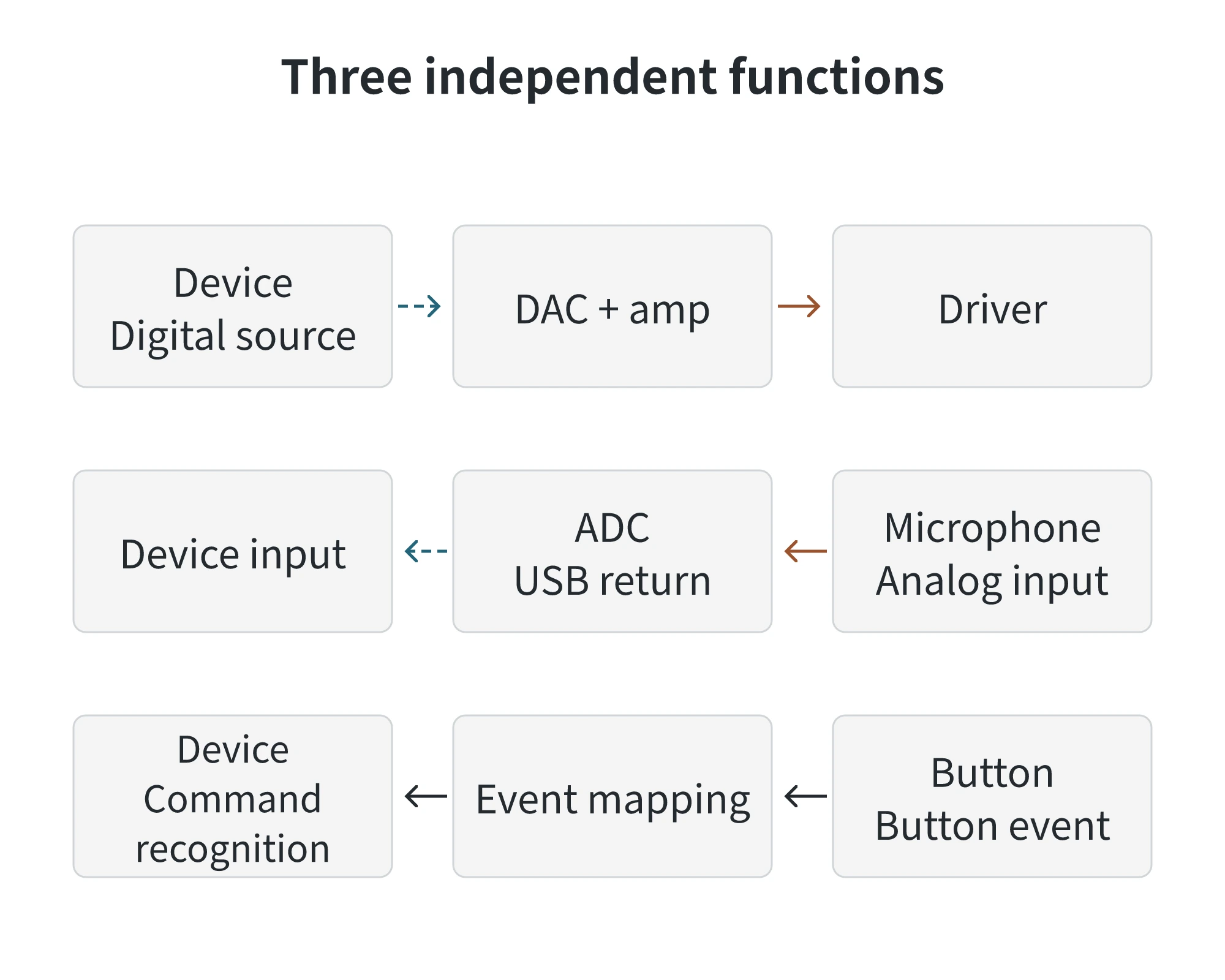
Hearing music therefore confirms only that playback works. The microphone needs an input path, while buttons need command recognition. Playback alone cannot confirm either function.
USB-C or 3.5 mm: Choosing for the Devices and Intended Use
| Audio capabilities of the target devices | Connection to consider | Basis for the choice |
|---|---|---|
| All target devices have an analog 3.5 mm earphone output | Direct connection with 3.5 mm earphones | The device already performs digital-to-analog conversion and provides the output drive. |
| All target devices support the chosen digital USB audio accessory | Direct connection with digital USB-C earphones | Conversion takes place after the data reaches the earphone accessory, with no separate 3.5 mm adapter required. |
| Some devices have an analog 3.5 mm output, while others support the chosen digital USB audio adapter | 3.5 mm earphones, with an active adapter when connecting to USB-C devices | The same analog earphones can connect to either the device’s analog output or the adapter’s analog output. |
For example, suppose a computer has a 3.5 mm earphone output, while a phone has only USB-C and supports the chosen active audio adapter. For music playback, the 3.5 mm earphones plug directly into the computer’s audio jack and connect to the phone through the adapter. The same earphones can then work with both output arrangements.
Using the earphones for calls on both devices adds several requirements. The earphones must have a microphone; the computer’s jack must accept microphone input and match the earphone wiring; and the phone and adapter must support that microphone input. If the computer has an audio-output-only jack, the earphones may play sound, but that jack cannot return speech from the microphone. To adjust volume using the earphones’ inline controls, both connections must also support the earphone volume buttons.
Check these conditions against the specific device models, operating systems, and accessory documentation: whether the device supports the chosen digital USB audio accessory or provides a matching analog audio output; whether the accessory has a microphone input; and whether the required playback, volume, and call-answering buttons work. For listening alone, choose a connection that supports playback. For calls and inline controls, choose one that also supports the corresponding functions.
Wired In-Ear Earphones
Wholesale from 100 pcs per model, mix models in one order. Your logo from 1,000 pcs.