When choosing an earbud design for your brand, start with how people will use it. Will they listen for long periods at a computer without stopping to charge the earbuds, or move around with their phone in a bag? Common passive wired earbuds are worth comparing first for the former; Bluetooth offers more freedom for the latter. Calls and gaming bring further requirements, though. The presence or absence of a cable cannot tell you how an earbud will perform in every situation.
These trade-offs come from how the earbuds work: where the sound comes from, where the power comes from, and what changes when the microphone is on. Understanding these relationships before comparing models helps you avoid treating a connection type as a sound-quality or performance rating.
Where Do Sound and Power Come From?
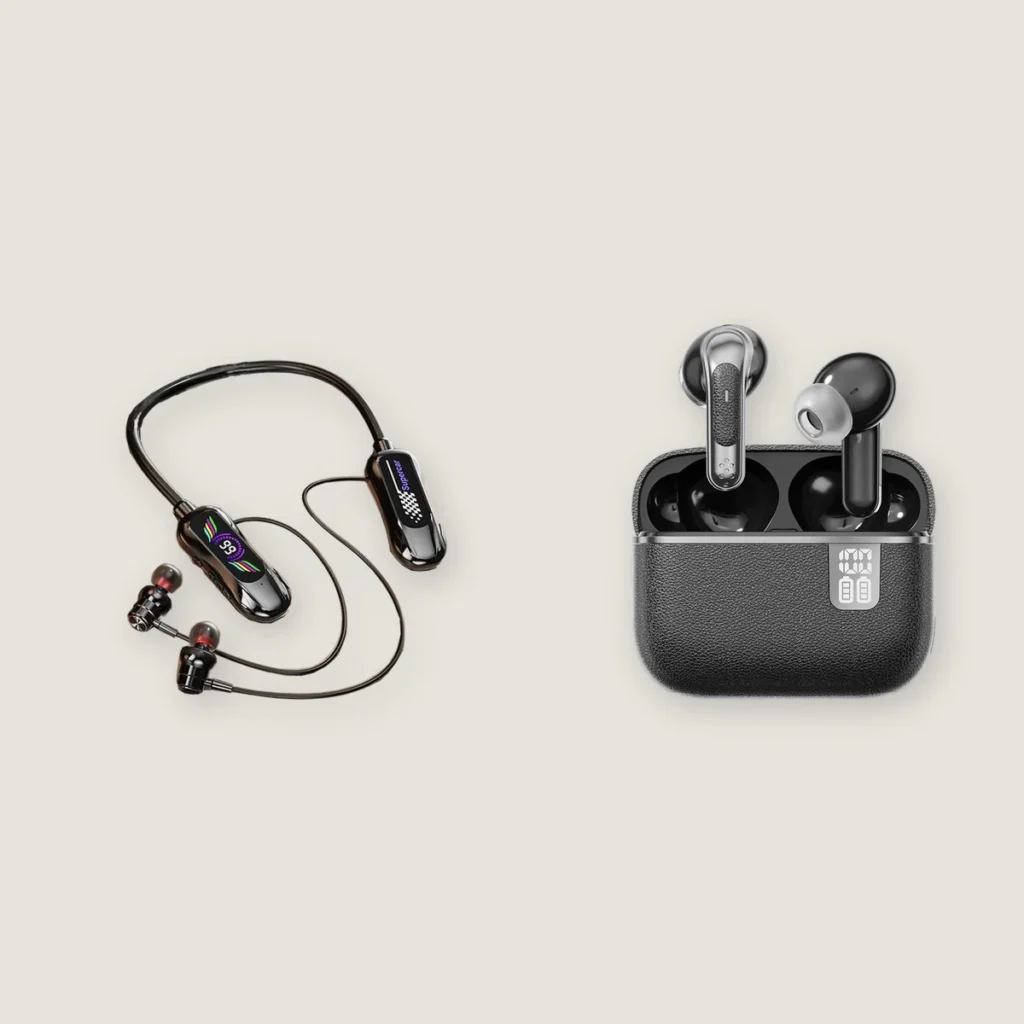
Wired and wireless first describe how the earbuds connect to a phone or computer. Neckband Bluetooth headphones have a wire between the two earpieces, but their connection to the phone is still wireless. TWS (true wireless stereo) earbuds also remove the wire between the left and right earpieces.
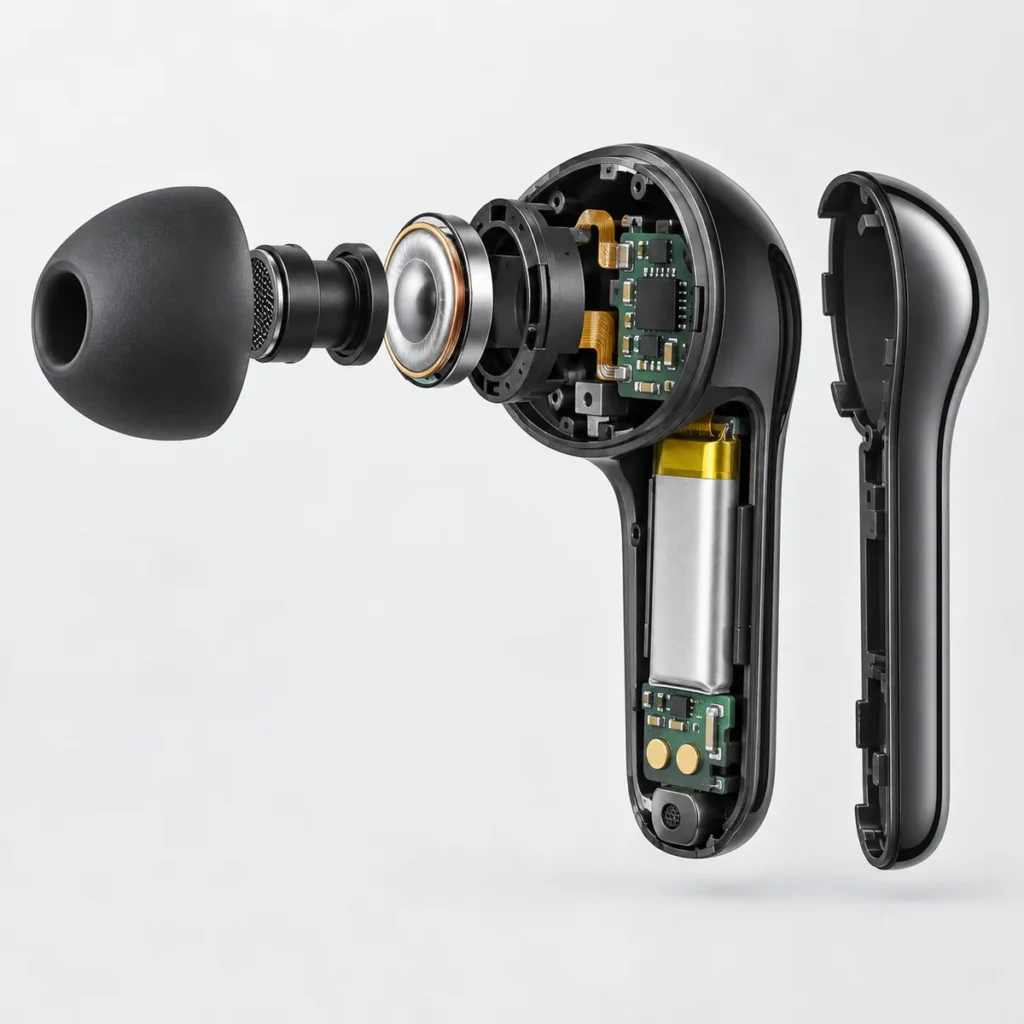
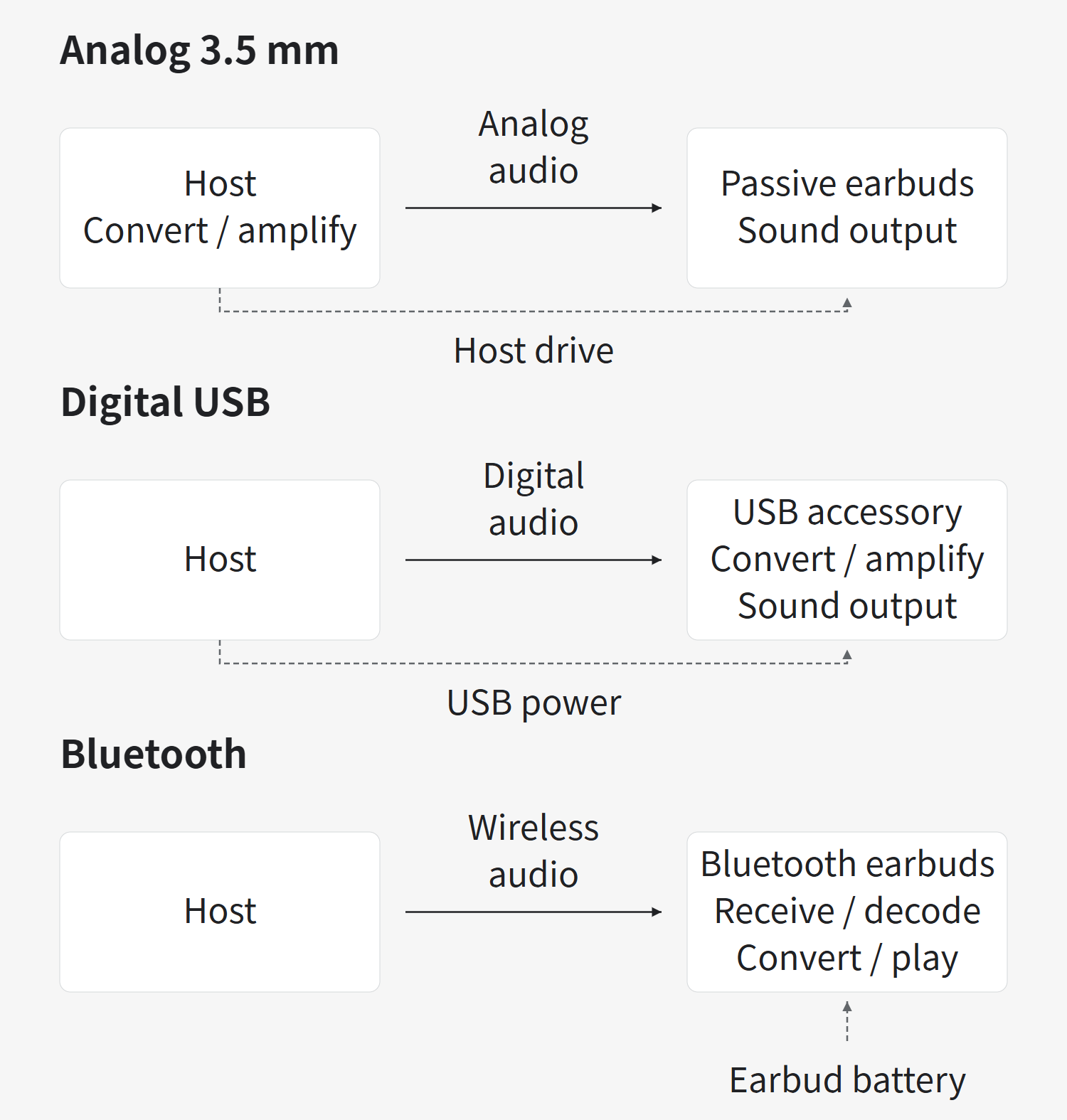
The phone or computer supplies the audio; the diagram below calls it the “host.” Digital audio must be converted and amplified to make the small speakers inside the earbuds—the drivers—produce sound. Three common connection types place this work in different parts of the system.
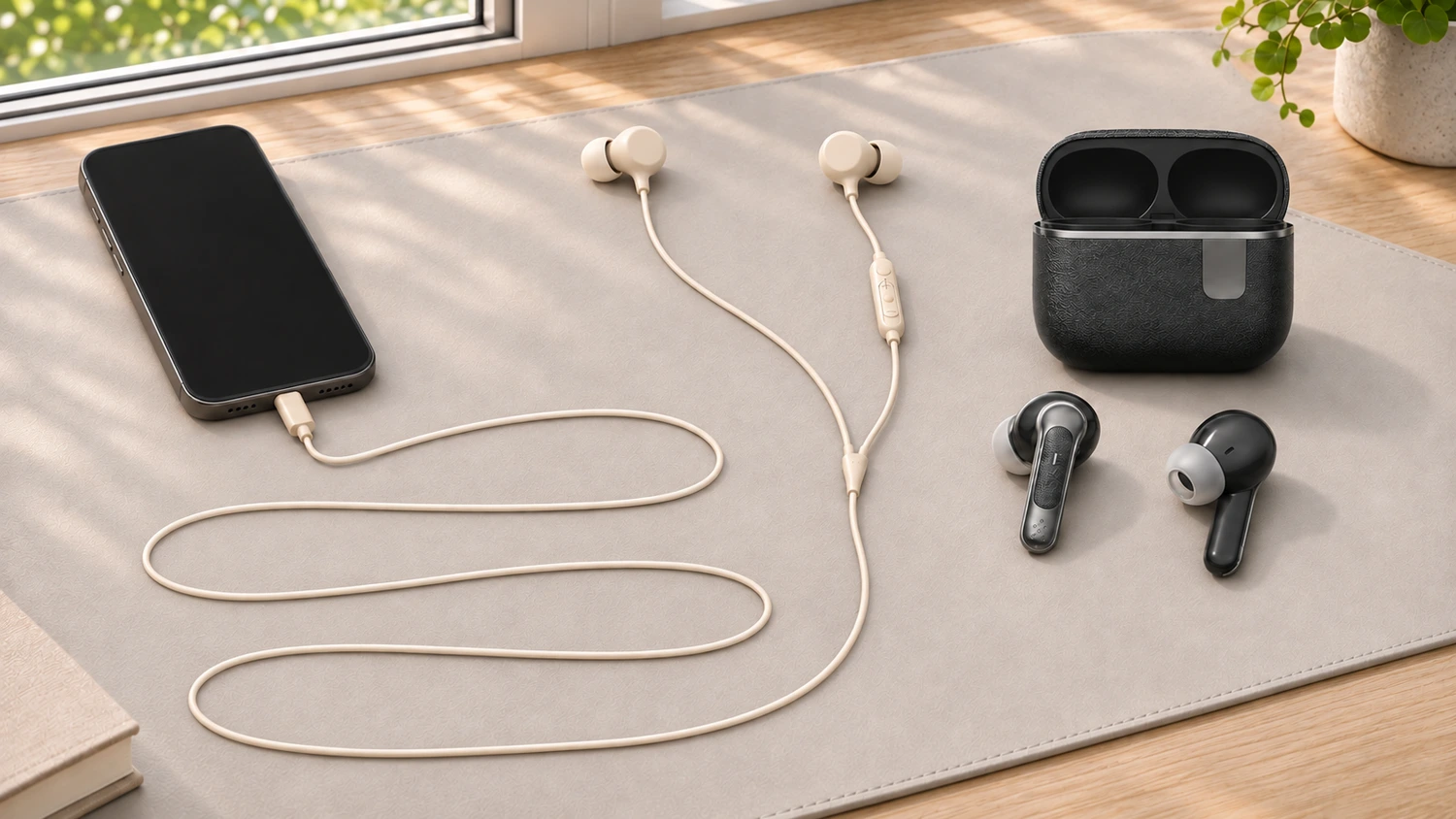
Ordinary passive 3.5 mm wired earbuds are driven by the phone or computer. The host converts and amplifies the digital audio, then sends an analog electrical audio signal through the cable to drive the speakers. “Passive” here means that the earbuds do not rely on their own battery: the host provides the energy that produces the sound.
Digital USB wired earbuds handle conversion in the earbud circuitry. The phone or computer sends digital audio over USB. The digital earbuds receive it, convert and amplify it, and drive the speakers. This is the “USB accessory” side of the diagram. Common earbuds of this type draw power from the host through the same USB connection. They therefore need no separate charging, but still use energy from the host.
Bluetooth earbuds receive audio wirelessly and use their own battery. The phone or computer sends audio data, which the earbuds receive, decode and convert into a signal that drives the speakers. Bluetooth carries the audio information; the earbuds’ own battery supplies their operating power. That is why the earbuds can run out of power while the phone still has charge.
For a wired option, also check what the connection actually supports. USB-C describes the connector shape. The plug alone does not tell you whether an accessory carries digital or analog audio, and it certainly does not prove that its microphone will work. For differences between connectors, adapters and inline controls, see our USB-C and 3.5 mm earphone compatibility guide.
These paths explain where audio is processed and where the earbuds get their power. They do not rank sound quality. Output circuitry, drivers, tuning and the fit in the ear all affect what the listener hears. Even two wired models, or two Bluetooth models, need a listening comparison on the intended device.
Will Continuous Listening Require a Charging Break?
For long listening sessions at a stationary device, common passive 3.5 mm earbuds or host-powered digital USB earbuds remove the need to stop and recharge the earbuds. The device’s ports and audio functions must be compatible, and the user must be able to keep the cable connected throughout use.
Bluetooth earbuds let people move and turn without an audio cable tethering them to their phone. That freedom adds another question to the comparison: can the earbuds last through the planned listening session?
With true wireless earbuds, distinguish continuous playback on one charge from total playback time including the charging case. The case can recharge the earbuds after they are put back inside. It cannot turn the combined runtime from several charges into one uninterrupted session. For continuous listening, first compare how long the earbuds play on a full charge. If users take several breaks, then consider how convenient it is to recharge them in the case.
Battery-life figures also need to match the functions and conditions of use. A stated music playback time cannot simply be treated as call time with the microphone active. Compare at the same volume and with the same functions enabled, and check the conditions in the specifications. Do not decide based only on the largest hour figure on each page. For differences in storage and charging, see our neckband and TWS battery-life and daily-use comparison.
Test Again with the Microphone On
When playing music, the earbuds receive sound from the host. During a call, they must also send the speech picked up by the microphone back to the host. Being able to hear does not prove that the other person can hear you. And even if they can, playback with the microphone on may differ from music playback.
For calls through wired earbuds, the entire connection needs to support microphone input. A 3.5 mm jack may provide playback only; digital USB earbuds or adapters also need recording input capability. Successful music playback confirms only the output direction. It does not replace a microphone check.
Bluetooth earbuds may also change their playback format when the microphone is activated. With Classic Bluetooth audio on Windows, for example, using the earbud microphone for a call switches to HFP (Hands-Free Profile), with mono recording and playback. Mono can play through both earbuds, but each ear receives the same audio channel; stereo retains separate left and right channels. Music or games may therefore sound different with the microphone on, without the earbuds necessarily being faulty.
This depends on the Bluetooth audio technology and the complete equipment setup. Some Windows 11 computers paired with LE Audio (Bluetooth Low Energy Audio) earbuds can maintain stereo playback while the microphone is active. The operating system version, computer hardware, drivers and earbuds must all support it. The Bluetooth version number alone is not enough to judge this.
For earbuds intended for meetings or gaming voice chat, activate the earbud microphone in the intended app, listen to the playback, and have the person at the other end check your speech. Playing a song—or accidentally using the computer’s built-in microphone—does not complete this comparison. If sound plays but the microphone does not work, use our earbud microphone troubleshooting guide to check the input source first.
Video Lip Sync Does Not Prove Responsive Gaming Audio
In a recorded video, the picture and sound already exist. A player that supports compensation can delay the picture to align it with the sound. In a game, the sound of a jump or shot is generated only after the user acts, then goes through audio processing and transmission. Delaying the game picture would not remove the wait between the action and the sound. A video with matching lip movements therefore does not prove that game audio will follow actions promptly. Video compensation itself also depends on support from the player and device.
A wired connection removes the Bluetooth transmission stage, but the system still has to process audio. The app, operating system, buffering and output circuitry can all add delay. Digital USB also has its own transmission and processing steps. Wired earbuds are therefore an option to compare first when responsiveness matters, but they cannot be promised to deliver “zero latency across the entire system.”
If the product is mainly for gaming, compare samples using the same intended device and game, and assess microphone-on and microphone-off use separately. For a Bluetooth option that needs low latency, confirm that the required operating mode can actually be enabled on the intended device. Then compare how promptly sound follows an action and whether playback remains continuous. For more on the difference between video sync and gaming response, see TWS video sync and gaming audio lag.
Define the Use Conditions Before Comparing Earbuds
| Main use conditions | Options to compare first | What still needs checking |
|---|---|---|
| Continuous listening at a stationary device, with no convenient opportunity to recharge the earbuds | Passive 3.5 mm or host-powered digital USB earbuds | Compatible host ports and audio functions; a cable that is convenient to use |
| Frequent movement, without an audio cable between the phone and earbuds | Bluetooth earbuds | Enough runtime on one charge, with suitable charging opportunities during use |
| Meetings or gaming voice chat while listening | Try both wired and Bluetooth options that support calls | The earbud microphone is selected; playback with the microphone on and speech heard at the other end both meet requirements |
| Sound needs to follow actions promptly | Compare wired options first, then verify Bluetooth options against the requirements | Compare the full response using the same device, app and microphone state |
Yinshidon offers customization of complete wired earbuds, neckband Bluetooth headphones and true wireless earbuds. When developing a new model, start by choosing the connection type for the intended use. Then adjust the configuration and sound for the specific design, and use samples to confirm fit, connection, calls and continuous playback.