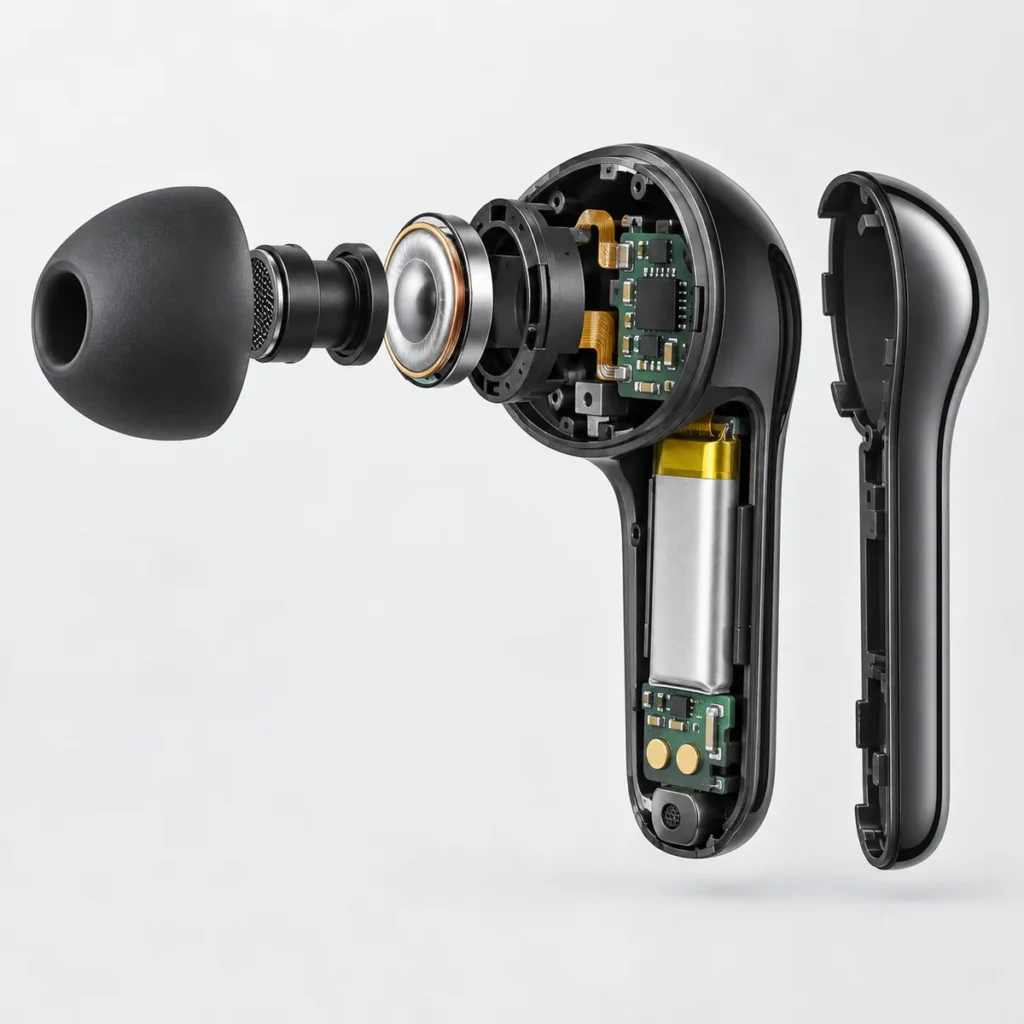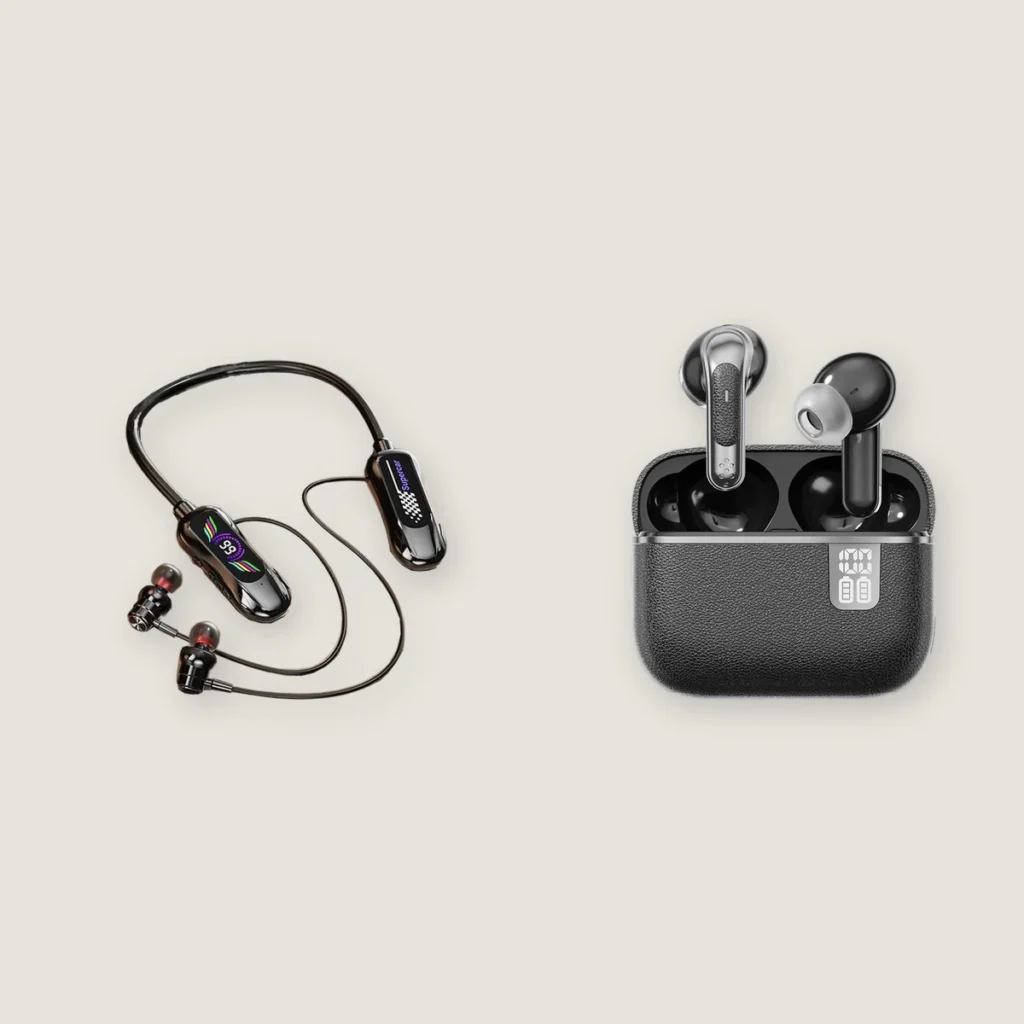
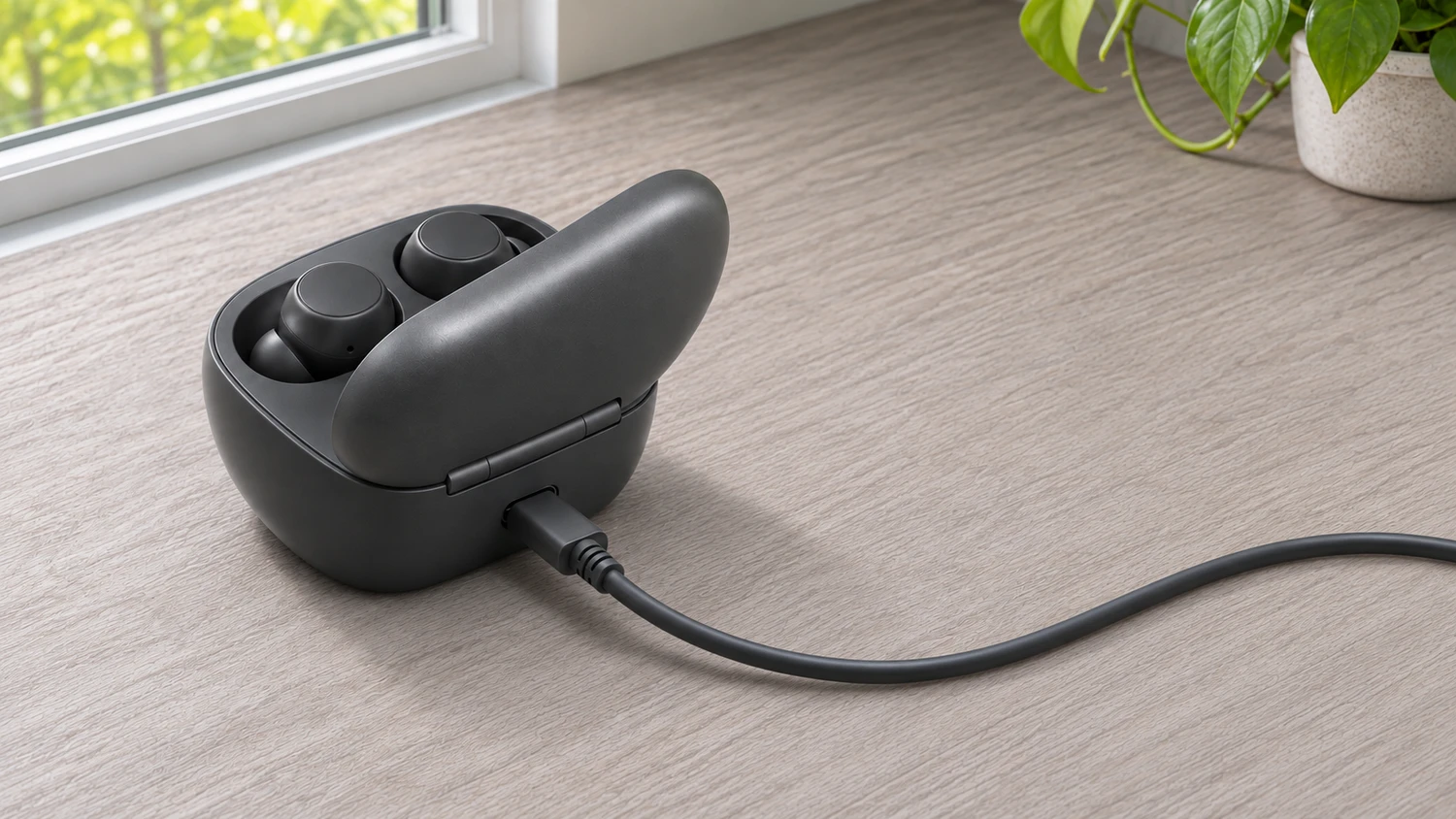
When comparing specifications for true wireless earbuds or writing product instructions, first establish what the charging time refers to. Are you putting the earbuds back in the case after use and waiting for them to recharge fully? Or are you charging both the earbuds and the case before heading out?
To use the earbuds again with a full battery, check the earbuds’ full-charge time. To recharge the entire set, check the time needed to fully charge the earbuds and case together. A third figure covers charging the case with no earbuds inside. Read the minutes or hours stated for the model alongside what is being charged and its starting battery level.
Here, an “empty case” means a case with no earbuds inside. This article covers true wireless earbuds that come with a charging case.
Earbuds, an Empty Case, or the Full Set: What Needs to Reach Full Charge?
Compare these three charging situations:
- The earbuds have been used, and the case still has enough power. Put both earbuds back in the case and wait until both are fully charged. This tells you when the earbuds will be ready to use again with full batteries.
- The earbuds are out of the case while the case charges on its own. Connect the case to an external power source and charge it from the specified starting level to full. This tells you when the case’s reserve power has been replenished.
- Both the earbuds and case are low on power, and you plug in the whole set. Leave the earbuds inside, connect the case to an external power source, and wait until the left earbud, right earbud, and case are all fully charged. This is the time needed to recharge the full set.
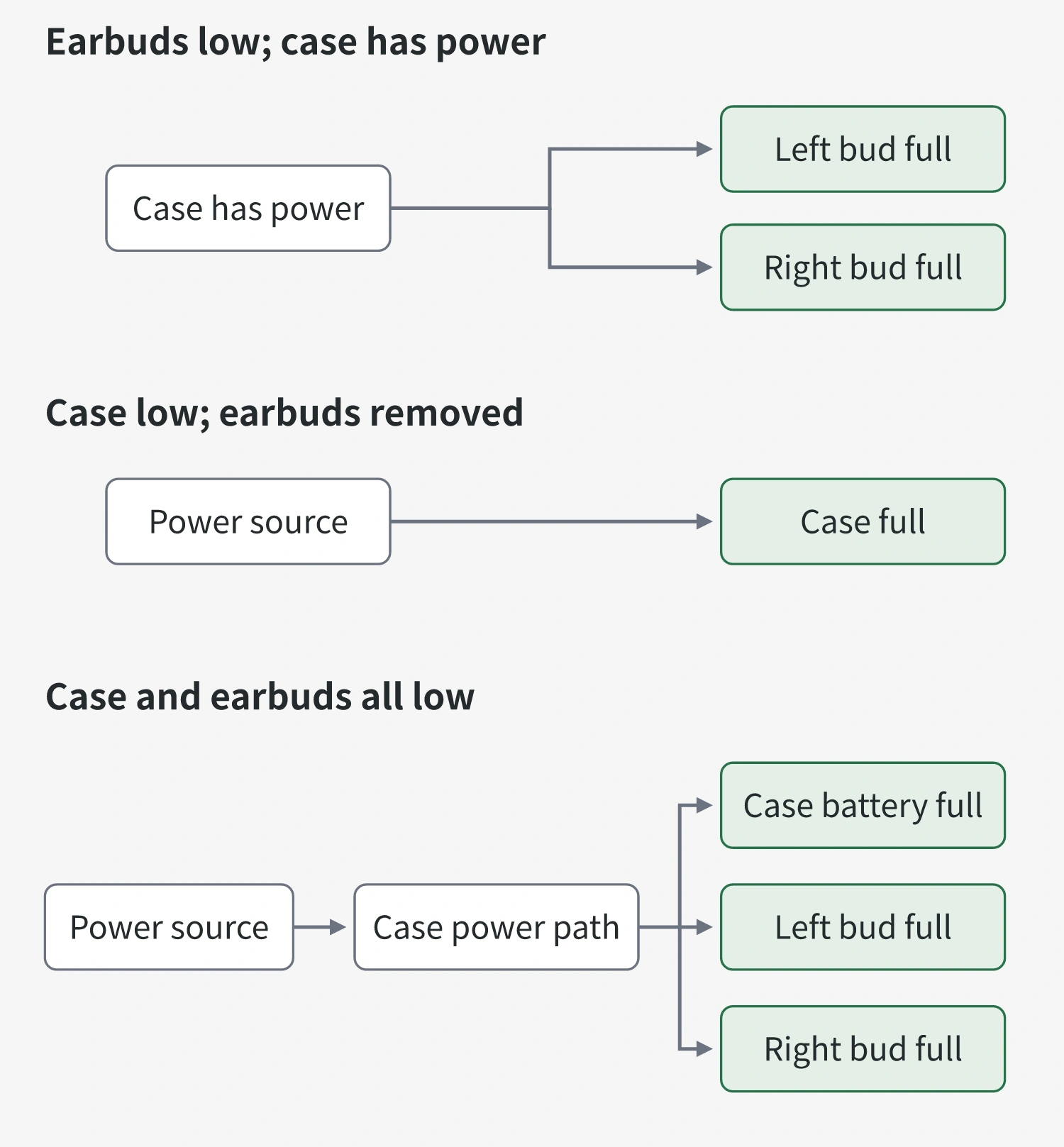
These three times are not necessarily different, and a manual may not list all three. What matters is which process each number describes. If a specification measures charging from an exhausted battery to full, a sample that still has half its charge is not a direct comparison. The more charge remains at the start, the less needs to be added.
When the full set is plugged in, charging the case and earbuds can overlap. Designs that support simultaneous charging can charge the case battery while supplying power to the earbuds inside. The case does not have to reach full charge before the earbuds start charging. You therefore cannot simply add the earbuds’ charging time to the empty case’s charging time. For more on how the case supplies power to the earbuds, see how earbud charging cases work.
During simultaneous charging, the way the device allocates current also affects how quickly each part charges. You cannot simply take the longer of the two separately measured times as the charging time for the whole set, either. That figure must cover the complete process: the earbuds remain in the case, external power stays connected, and all three batteries reach full charge.
If both earbuds are fully charged while the case is still charging, you can take them out and use them. Continuing to charge the case replenishes the reserve for the next time you put the earbuds back. It does not add more charge to the already full earbuds for this listening session.
What Do Short-Charge Playtime and Full-Charge Time Tell You?
A brief top-up and a full recharge are best assessed using different measures:
- Playtime after a short charge: Charge the earbuds for a specified period, then take them out and measure how long they play. This tells you how much listening time a brief top-up provides.
- Full-charge time: Start at the specified battery level, keep charging the earbuds until they are full, and measure the elapsed time. This tells you how long it takes to replenish their batteries fully.
When reading short-charge claims, check which part receives the top-up. Some figures describe charging the earbuds briefly in a case that already has power. Others describe charging the case first, then using its stored power to recharge the earbuds. The starting power source differs, so these figures are not interchangeable.
You also cannot use the ratio of charging time to subsequent playtime to calculate the time needed for a full charge. A typical lithium battery does not charge at the same rate throughout. During the constant-current phase, the charging circuit supplies a set current. Once the battery reaches the specified voltage, charging enters the constant-voltage phase. Current then gradually decreases until the charge-termination condition is met. Adding the same amount of charge later in the cycle may therefore take longer than it does earlier.
The device’s charging circuit controls the actual charging current. Switching to an adapter with a higher rated power does not necessarily make the earbuds charge faster. Yinshidon can assess battery configurations for custom projects. If the battery or charging design changes, the full-charge time needs to be checked for the new configuration rather than carried over from the original model.
Now consider playback itself. With the same charge added during a short top-up, playtime can vary with volume and noise-cancellation settings. Short-charge playtime measures playback after one brief recharge. Single-charge battery life and total playtime with the case measure, respectively, one listening session from fully charged earbuds and cumulative listening time with recharges from the case. All of these describe playback duration and should be read separately from the time needed to reach full charge.
How Do You Confirm a Full Charge When the Time Is Up?
A model’s stated charging time helps you plan how long to wait. To confirm that charging has actually finished, check the full-charge indication for the relevant component.
First, identify what the indicator refers to. A light on the case may show the case’s battery level, or it may show the earbuds’ status under particular lid-open conditions. Some products display separate battery levels for the left earbud, right earbud, and case. A light on the case is therefore not enough to establish that the whole set is full. Follow the model’s instructions to check the earbuds you intend to use, or to confirm that both earbuds and the case are fully charged. Indicator colors, steady lights, and lights turning off do not mean the same thing across all models.
If an earbud’s battery level does not rise after you put it back, first check whether charging has actually started. An earbud that is not seated properly, or dirt blocking the contacts, can prevent the case from supplying power. Leaving it there longer will not solve that problem. After reseating it, look for the charging indication specified for the model. For models that require the lid to be closed, check after closing it.
The same principle applies when timing the case. A connected cable does not guarantee an uninterrupted power supply. For example, a computer’s port may stop supplying power when the computer enters sleep mode. If the device signals an abnormal temperature and pauses charging, that pause also extends the wait. Compare wired and wireless charging specifications separately, too. A time stated for one method does not set the expected charging time for the other.
If you need the earbuds now, check the battery levels of the left and right earbuds. Before packing the whole set for a long time away, also confirm that the case’s reserve is full. Once you know which batteries you are waiting to charge, the time in the specifications and the battery indications in front of you become easier to match.