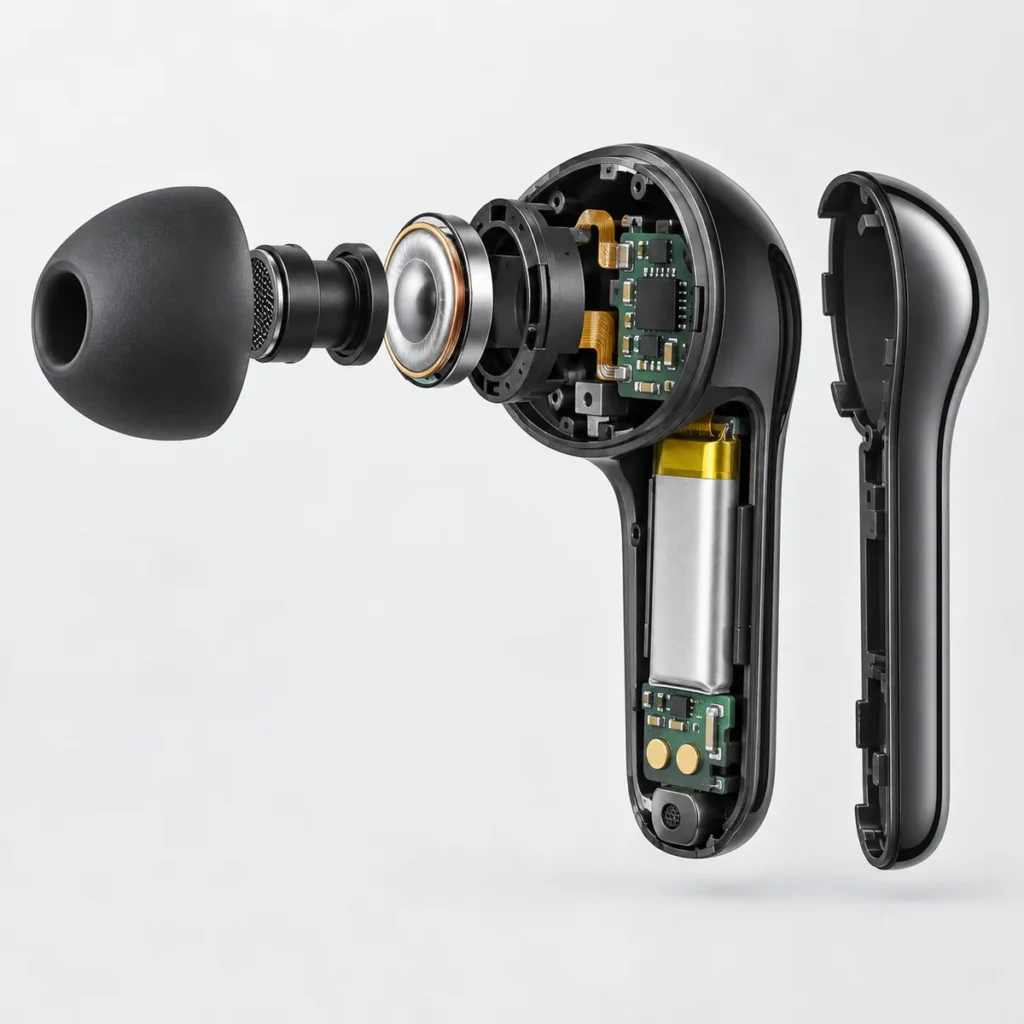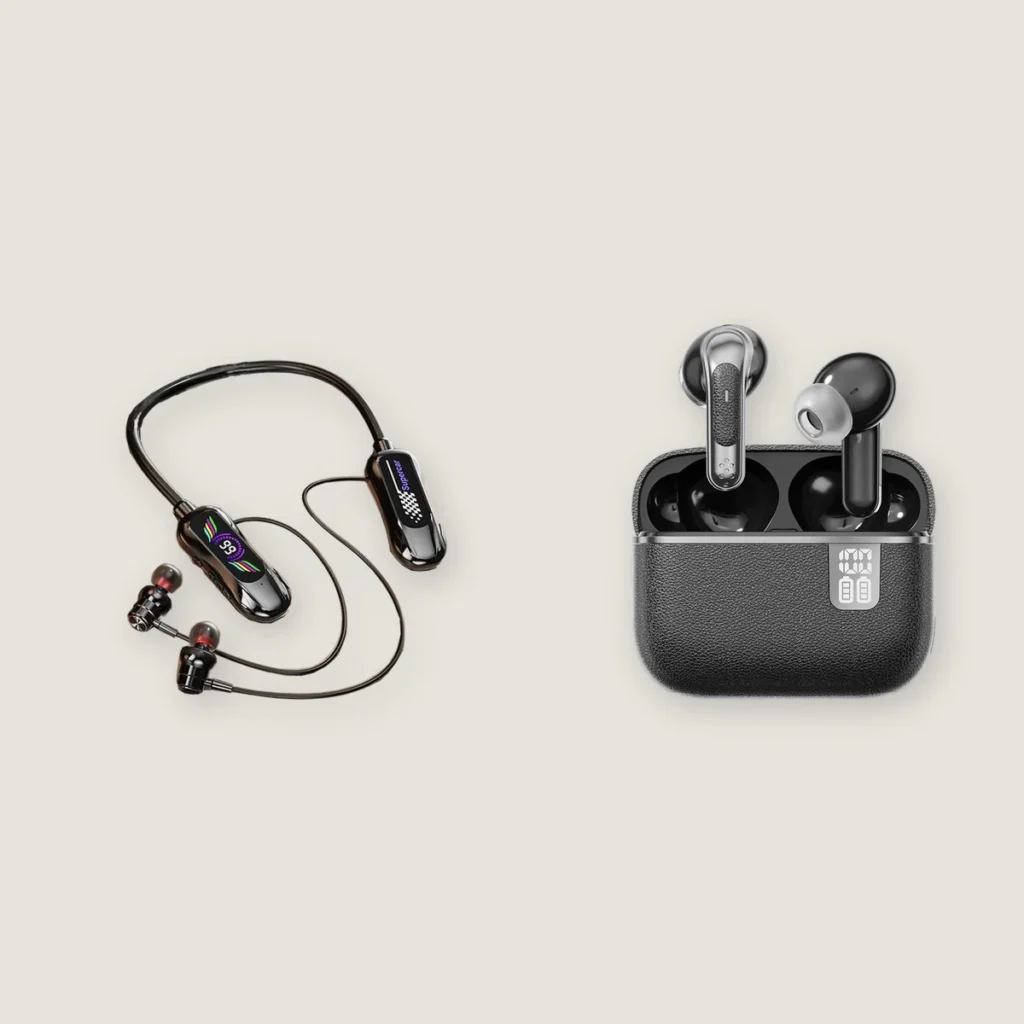
How far can Bluetooth earbuds be from your phone? Take the Q77 in-ear earbuds on the Yinshidon website: the current specification table lists a transmission range of 10 meters, but does not specify the test environment or equipment. This is the listed specification for that model, not a guarantee of performance through walls or a universal range for all Bluetooth earbuds.
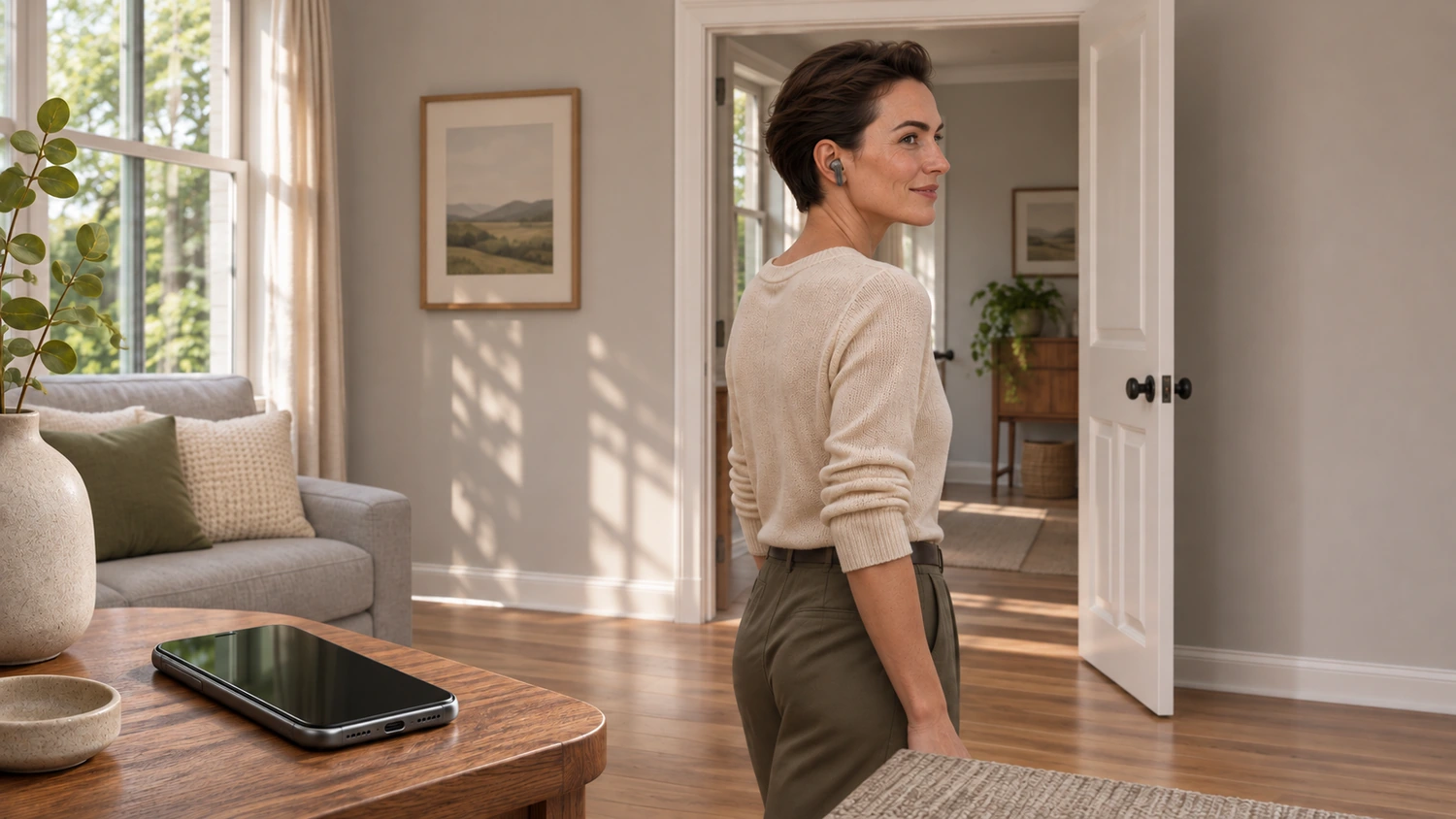
When comparing earbud samples, leaving the phone on a table and walking into the next room creates different wireless transmission conditions from carrying the phone in a pocket while wearing the earbuds. The second arrangement involves a shorter distance, yet audio can still cut out. The usable range depends on the phone and earbuds together, the obstacles between them, and the surrounding wireless environment.
Connection Status and Uninterrupted Playback Are Different
Your phone may still show the earbuds as connected even when the music is already cutting in and out. When checking range, record both where brief audio cutouts occur and where the connection is lost completely. If you record only complete disconnection, your usable-range figure will include distances where audio is already breaking up.
This is also different from Bluetooth pairing: a phone retaining the earbuds’ pairing information does not mean it can maintain the current connection at any distance.
How Walls and Your Body Affect the Connection
The phone and earbuds transfer data using radio signals. A signal weakens as it travels to the other end, and the receiver must be able to recover the data correctly for audio transmission to work. The distance between the devices is one factor in this process.
In its explanation of communication range, the Bluetooth Special Interest Group (Bluetooth SIG) notes that obstacles affect path loss. A wall further attenuates a signal passing through it; walls and other objects can also reflect and scatter signals. At the same separation of a few meters, the earbuds may therefore receive a different signal through a wall than they would in the same room as the phone. Walls also differ in material, thickness, and internal construction, so each additional wall cannot be treated as subtracting a fixed number of meters from the range.
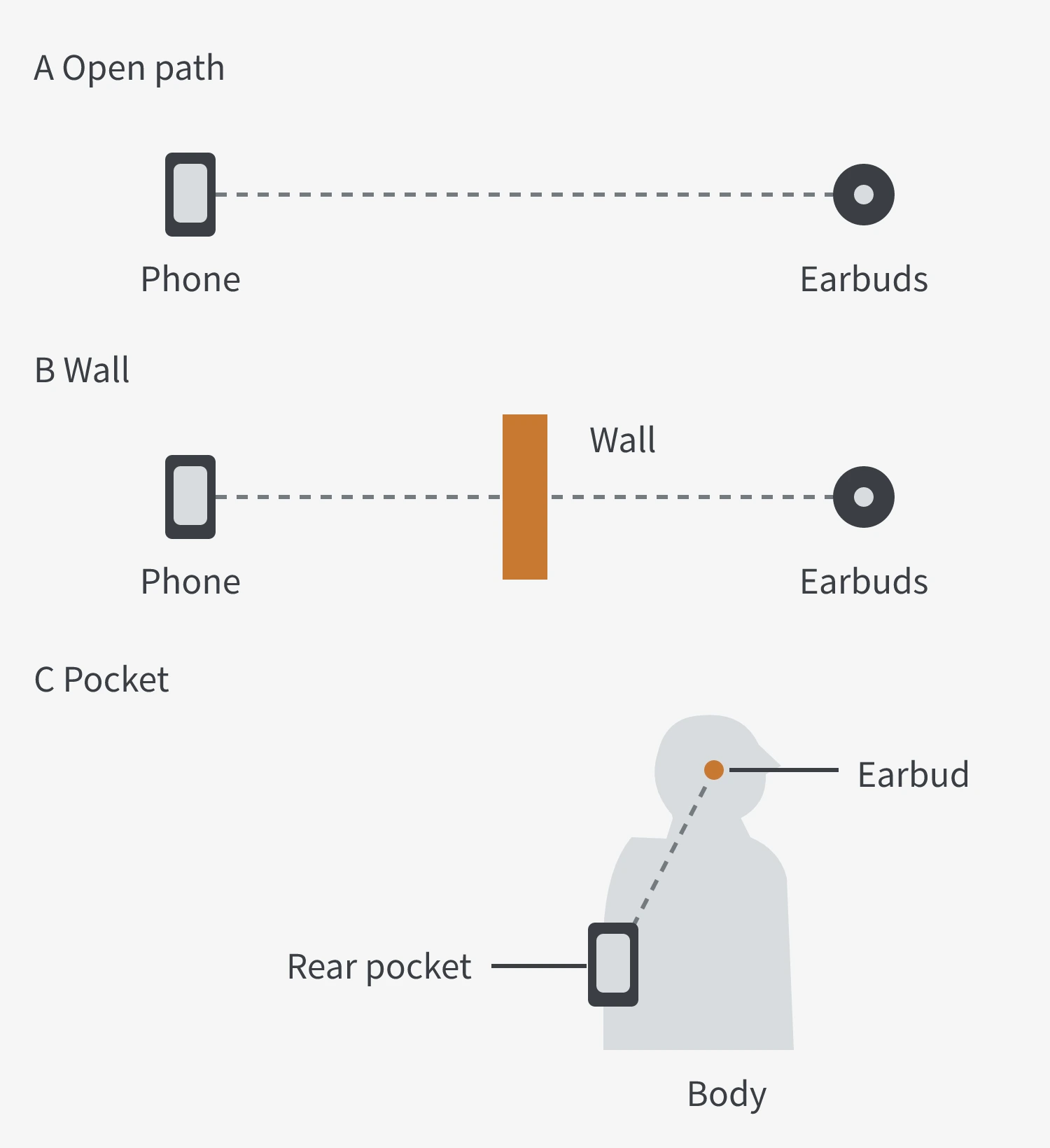
With the phone in a pocket, your body may be between it and the earbuds even at close range. Moving the phone into your hand changes more than the distance: it also changes the obstruction and orientation. This may improve the connection; compare positions using that particular phone and pair of earbuds to find which works better.
Both the Phone and the Earbuds Determine the Range
Walls and the human body explain differences in the surroundings, but switching phones can also change how the same earbuds perform.
The strength of the transmitted signal, how effectively the antennas at both ends transmit and receive, and the receiver’s ability to detect weak signals all affect the usable range. Antenna design and placement within each device are also part of these conditions. Earbud range therefore cannot be assessed independently of the phone used with them.
The Bluetooth version number does not describe all these conditions. Two pairs of earbuds using the same version may still perform differently, and a newer version alone does not establish that the connection will reach farther.
Other wireless devices nearby can also affect the connection. Bluetooth uses the 2.4 GHz band, and interference in an environment crowded with wireless devices may interrupt the audio. This is different from simply being too far from the phone, so audio cutouts at close range also call for a check of the surroundings.
How to Compare the Actual Range of Earbud Samples
When comparing samples, use the same phone and audio track, keep playback settings as consistent as possible, and then observe what happens as the distance or obstruction changes. The following approach helps reduce the number of variables:
- Start by playing downloaded audio at close range with no obstruction. This reduces the influence of loading audio from an online source. If playback is already intermittent, check the audio source, nearby interference, and device status before concluding that the sample’s range is inadequate.
- Increase the distance gradually along the same route, then compare a wall or pocket position separately. When switching earbud samples, keep the phone’s placement, the wearer’s orientation, and the observation points as consistent as possible. Changing the phone, room, and playback mode at the same time makes it difficult to identify which change caused the difference.
- Record audio cutouts and complete disconnection separately. Note the location, obstacles, and phone placement at each point. Recording only the farthest position where the devices remain connected misses the interruptions that may already have affected listening.
These observations can help narrow down the possible causes, but an improvement in one attempt is not enough to identify a single cause. For example, if playback becomes uninterrupted after switching to local audio, the online playback conditions warrant further checking. If taking the phone out of a pocket helps, obstruction and placement can be compared further.
When assessing range, record which phone was used, how it was positioned, what lay between it and the earbuds, and whether the audio remained uninterrupted, alongside the distance in meters. This makes samples easier to compare and allows the same scenario to be checked again later.